How to Choose a Reliable Antivirus Service for Small Businesses
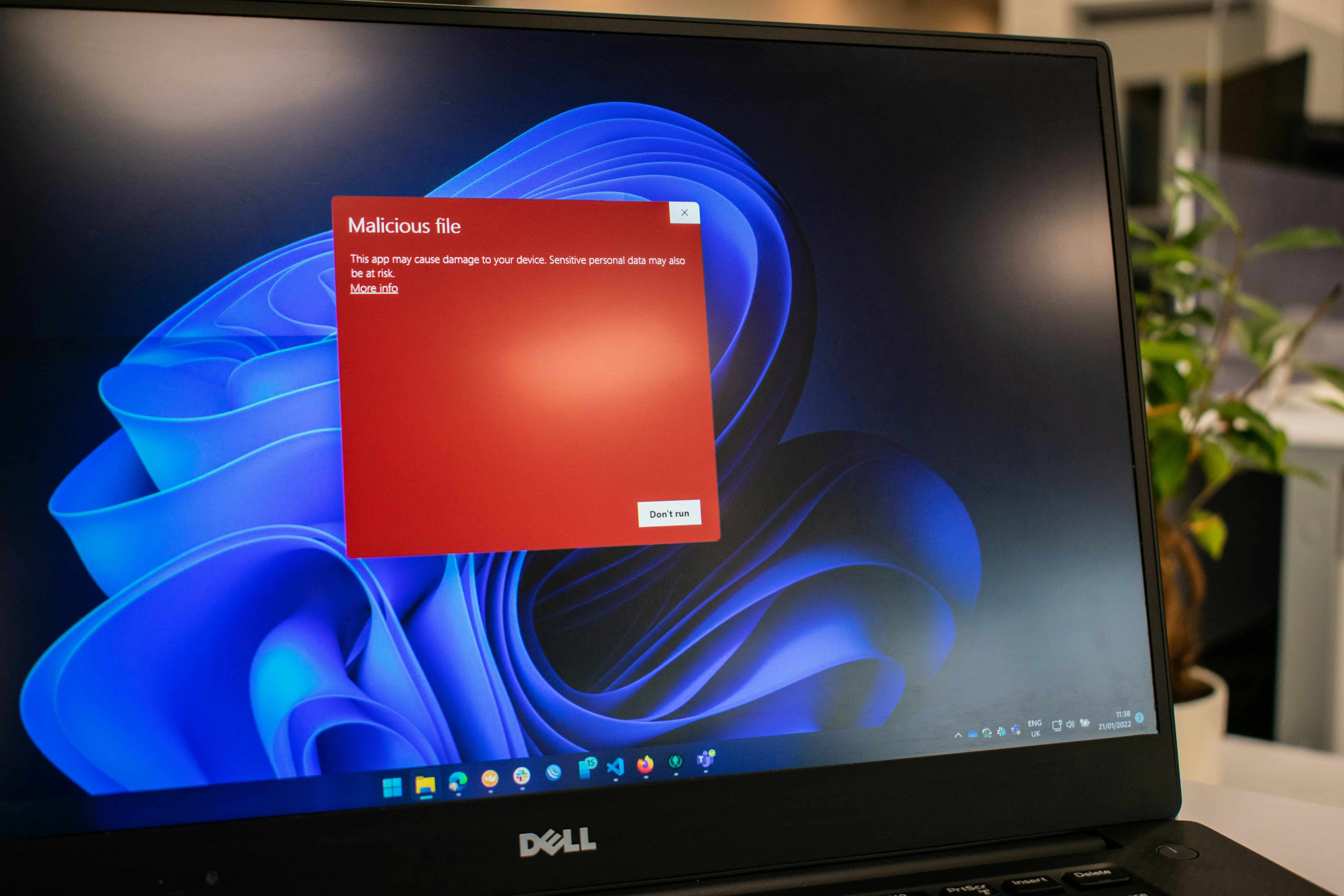
Choosing a reliable antivirus service for a small business comes down to three things: how well it detects modern threats, how smoothly it fits into your workflow, and whether it can be centrally managed across all devices. Small businesses face the same risks as large companies—malware, ransomware, phishing, data theft—just with fewer resources to recover. That’s why selecting the right antivirus matters.
Below is a clear, answer-driven guide based on industry best practices and what we see daily at FYND when scanning hundreds of small business environments.
What Makes an Antivirus Reliable for Small Businesses?
A reliable small-business antivirus must provide:
- Real-time protection against malware, ransomware, and phishing
- Zero-day detection using behavioral analysis or AI
- Centralised management for all employee devices
- Low system impact, so staff devices don’t slow down
- Cross-device support (Windows, macOS, mobile)
- Cloud and email scanning, not just local scans
- Clear reporting and fast support
- Scalability as the business grows
If an antivirus does not meet most of these criteria, it is not suitable for professional use.
Choose an Antivirus With Strong Real-Time & Zero-Day Protection
Best practice:
Pick a solution that protects against known threats and new, never-seen-before attacks.
Look for:
- Real-time threat monitoring
- Behavior-based detection
- Anti-ransomware rollback
- Anti-phishing browser extensions
- Cloud-based machine learning heuristics
Why it matters:
In our FYND case studies, most malware infections happened because a user opened a malicious email or downloaded a fake invoice before their outdated antivirus even updated.
Centralised Management Is Critical for Growing Teams
Small businesses rarely track employee devices manually.
A strong antivirus must include:
- A central admin panel
- Remote quarantine
- Device status monitoring
- Unified security policies
- Alerts for outdated or unprotected devices
FYND’s observation:
Most SMBs we scan have employees running outdated antivirus versions for months—because nobody checks. Centralised management solves this.
Prioritise Lightweight, Cloud-Backed Performance
Antivirus should protect, not slow down the business.
Look for:
- Cloud-based scanning
- CPU-friendly operation
- Flexible scanning schedules
- Silent background performance
If your team disables antivirus due to slowness, the solution is not suitable for SMBs.
Ensure the Antivirus Covers All Business Devices
Modern SMBs use a mix of:
- Laptops
- Remote-worker computers
- Mobile phones
- Tablets
- Cloud services (Google Drive, OneDrive)
Choose antivirus with support for:
- Windows, macOS, and mobile
- Browser protection
- Email scanning
- Cloud file scanning
Real-world FYND insight:
A single compromised device syncing to shared drives can infect the entire team in minutes.
Evaluate the Support Quality
Small teams cannot afford long response times.
Look for:
- 24/7 support
- Remote remediation
- Clear onboarding
- Quick threat-resolution SLAs
Often, good support matters more than extra features.
Check Independent Lab Tests Before Buying
Validate claims using:
- AV-Test
- AV-Comparatives
- SE Labs
- MITRE evaluations
These independent tests show how antivirus products perform under real-world threats.
Make Sure It Scales With Your Business
Choose a solution that grows with you:
- Easy device management
- Role-based access
- Multi-location support
- Tiered pricing
Small teams grow fast—your antivirus must grow with you.
What Antivirus Cannot Protect — and Where FYND Fills the Gap
Antivirus protects internal devices.
But most attacks begin outside your network, on publicly exposed assets.
FYND scans frequently identify:
- Open ports exposing admin panels
- Outdated CMS plugins
- Weak TLS/SSL configurations
- Forgotten subdomains
- Unencrypted HTTP endpoints (Port 80)
- Exposed services attackers scan every day
Antivirus cannot see or detect any of these.
This is why SMBs using both endpoint protection (antivirus) and external attack surface monitoring (FYND) have significantly lower risk.
Quick Checklist: What to Look for in an SMB Antivirus
Choose an antivirus that has:
✔ Real-time and zero-day protection
✔ Centralised device management
✔ Low system impact
✔ Multi-device + mobile support
✔ Cloud/email/browser scanning
✔ Strong independent testing
✔ Fast business support
✔ Scalable pricing and management
This is the fastest way to identify a reliable SMB antivirus provider.
Final Thoughts: Antivirus Is Essential — but Not Enough
Antivirus is the first layer of protection for small businesses — but it is not a full security solution.
It does not protect against:
- Website vulnerabilities
- Open ports
- SSL/TLS misconfigurations
- DNS issues
- Exposed services
- Third-party integrations
- Shadow IT
- Forgotten assets
This is where FYND’s continuous external vulnerability scanning becomes your second layer of defence.
Antivirus protects inside.
FYND protects outside.
Together, they deliver complete, continuous security.